
Autoconnecto
ESP32 MQTT IoT dashboard, hosted in India
Flash the Autoconnecto Arduino SDK, put your device token in secrets.h, and see live readings on a dashboard. MQTT on TLS for ESP32.
What you get
Device tokens, MQTT (port 8883) and MQTT over WebSocket (8084), HTTPS ingest, live Socket.IO dashboards, alarms by email or Telegram, OTA firmware, and a visual rule engine. Readings and attributes are stored by the platform — you do not add a “save” step.
Who this is for
Plant engineers, OEMs, and makers who need an ESP32 on a real cloud without running their own broker and time-series stack. INR plans; self-serve signup.
Board path that works
Create a device in the app → copy the token into secrets.h → flash BasicTelemetry_mqtt (or Attributes_RestoreOnBoot_mqtt) → open a dashboard widget on the same keys. Shared attributes keep switches and setpoints aligned after a power cycle.
Get running
- 1
Install the library
Arduino Library Manager: search AutoconnectoSDK. PlatformIO: lib_deps = autoconnecto/AutoconnectoSDK.
- 2
Create a device
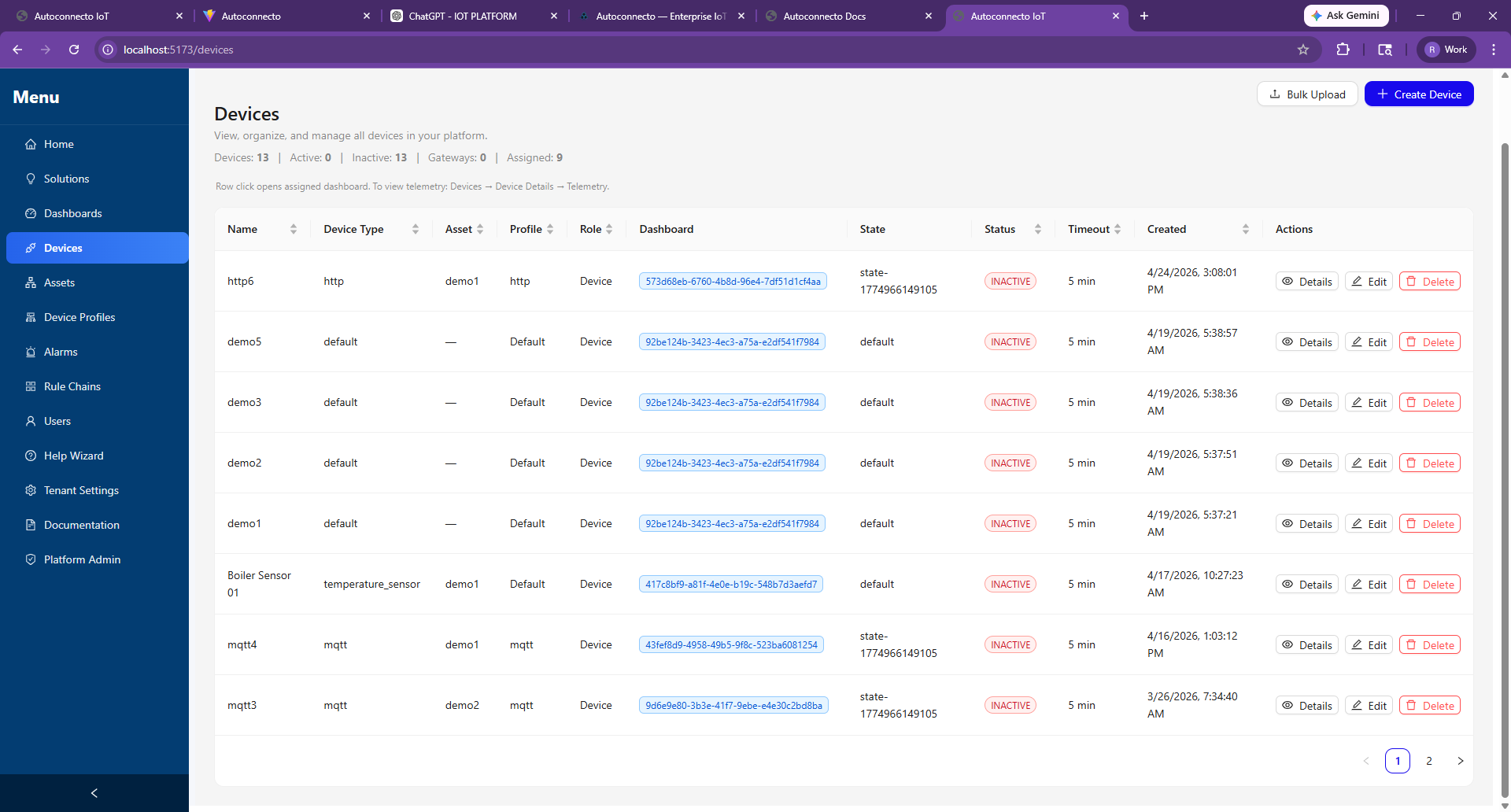
Sign up at app.autoconnecto.in, create a device, reveal the access token once.
- 3
Flash and watch
Copy an example, fill secrets.h (Wi‑Fi + token), upload. Open Devices and a dashboard.