Autoconnecto
Reboot-safe control with shared and client attributes
Operators change a switch or setpoint on the dashboard. The device applies it and confirms. After power loss, the board restores shared attributes and the dashboard stays aligned with the hardware.
How the loop works
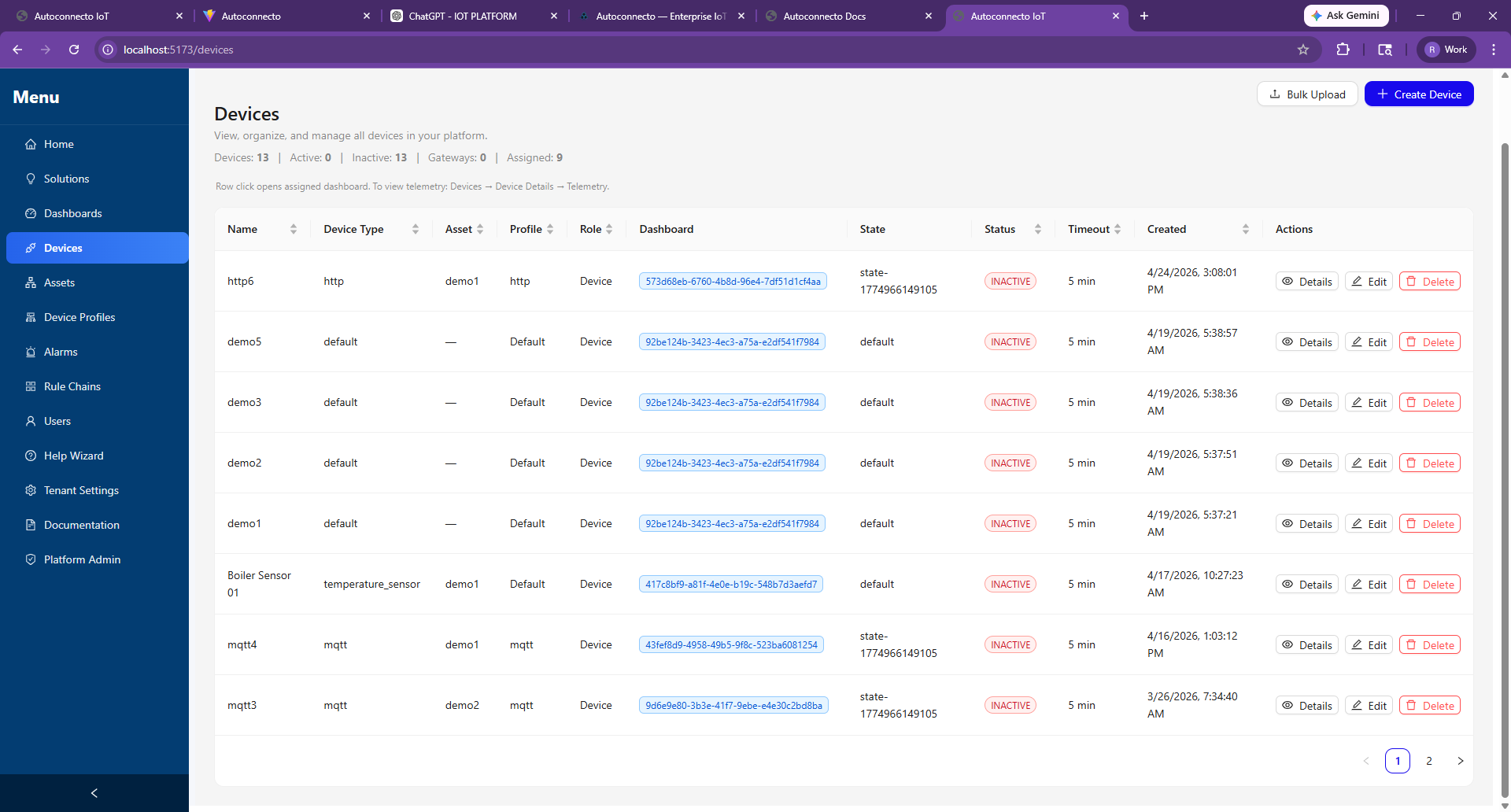
The platform stores shared attributes (desired state) and publishes them to the device. The firmware applies the value and posts a matching client attribute. Widgets that care about confirmed state read the client side. Telemetry keeps flowing the same way — stored without a rule-engine save node.
After a power cycle
On connect, the device requests shared attributes, reapplies them, and sends client confirmations. Operators do not re-send the last command by hand.
When to use RPC instead
One-shot actions (reboot, run once, diagnostics) use RPC. Sticky setpoints and relays use attributes.